Flat lay
Preview of the Flat lay AI prompt. Open the full prompt, fill in the blanks and copy it on TRYIT.
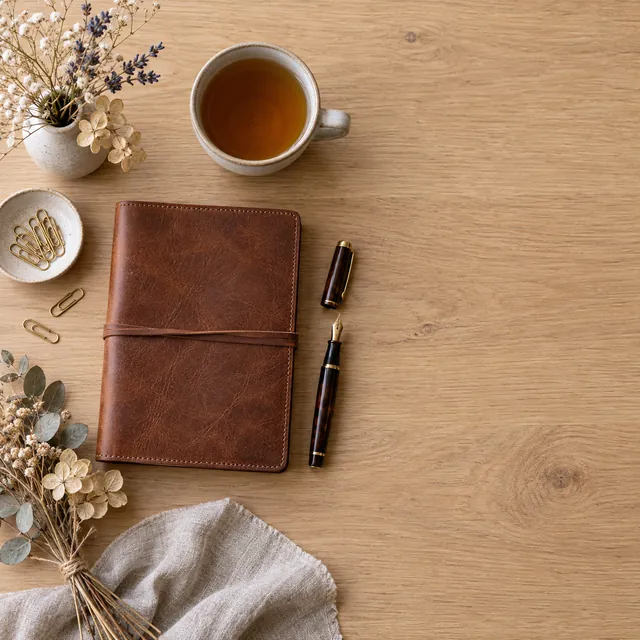
Top-down flat lay of a leather notebook and fountain pen arranged with dried flowers, a cup of tea and paper clips on a light oak table. Even soft daylight fr …
Filling in image and video prompts
- Be specific about the subject. “A corgi running across a lawn” beats “a dog”. Describe what can be seen: age, clothing, hair, materials. Google's image generation guide (2026) lists “Be hyper-specific” as its first best practice: “The more detail you provide, the more control you have.”
- Lighting and lens change the mood more than anything else. Real photography terms such as “soft window light” or “85mm lens” push the result toward a believable photo. The same guide tells you to “use photographic and cinematic language to control the composition”, with terms such as wide-angle shot, macro shot and low-angle perspective.
- Character sheets depend on the sentence that says the face, hair and outfit stay identical in every panel. Leave that sentence alone and change only the character description and the list of expressions or outfits. Upload the finished sheet as a reference and use the “Same character, new scene” card to keep the face steady in later images. Google's image models accept up to 14 reference images per request, and keep the likeness of up to 4 or 5 characters depending on the model (documentation of October 2026).
- Video is most reliable with one camera move per clip. Set the length and aspect ratio in your tool’s own settings as well, because each tool offers fixed values: Google's Veo 3.1 documentation (2026) lists clip lengths of 4, 6 or 8 seconds only, and 1080p only at 8 seconds. It asks for a subject, an action and a style in every prompt, and treats camera position and motion, composition, focus and lens effects, and ambiance as optional additions.
- For thumbnails and logos with lettering, keep the text short; fewer letters means fewer spelling errors. You can also generate the image with an empty area and add the text in an editor. Google notes that for text in an image the model “works best if you first generate the text and then ask for an image with the text”.